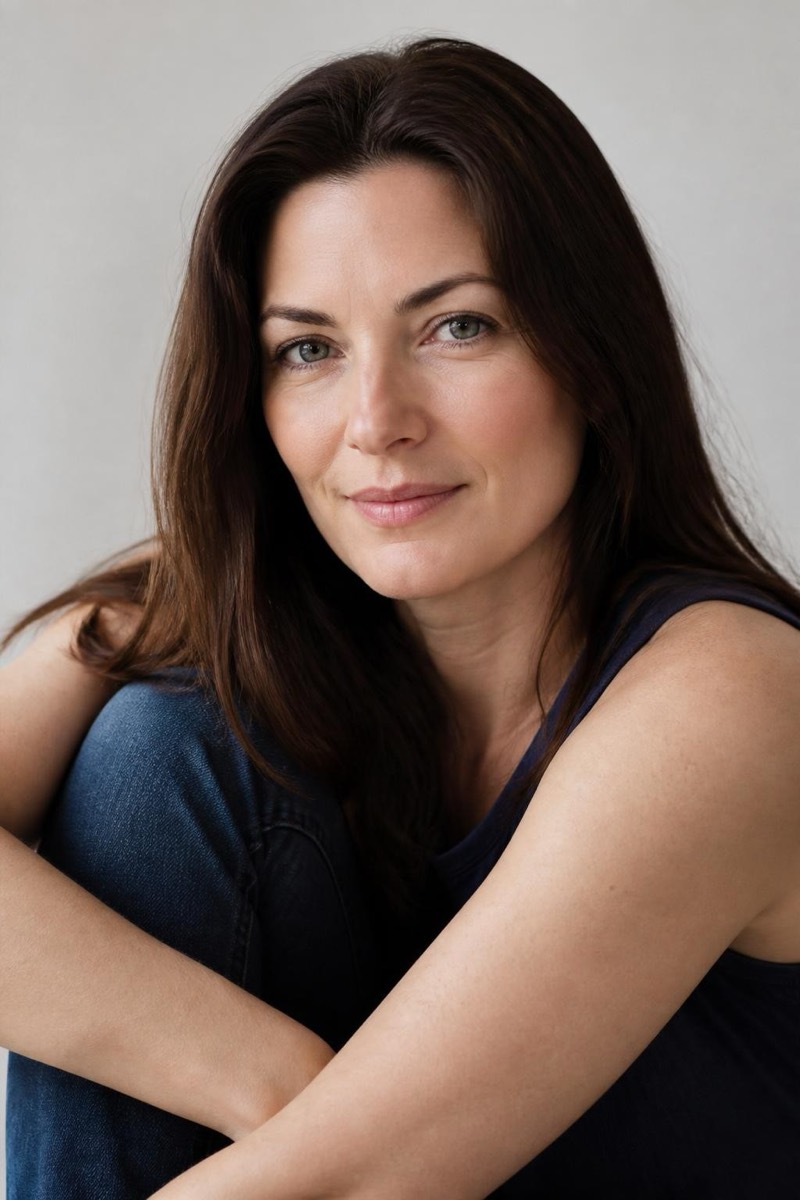
Age
Golden Years — AI Age Transformation filter
Graceful golden-years portrait.
The golden years, rendered gracefully: yourself in the last act, aged with warmth rather than caricature — silver hair, life-mapped features, and the settled expression of someone whose arguments are mostly won. This filter treats old age as a portrait subject, not a Halloween effect; the results tend to look like a beloved relative you haven't met yet. The gentlest destination in the age set.

How to use it
- 1.
Get Editable
Download Editable (free) from the App Store and open the Explore tab.
- 2.
Pick the Golden Years filter
Find Golden Years under Age and tap Try.
- 3.
Choose a photo
Pick a photo from your library — the edit runs automatically and is ready in seconds.
Tip: A soft smile ages into exactly the grandparent energy this filter is built for.