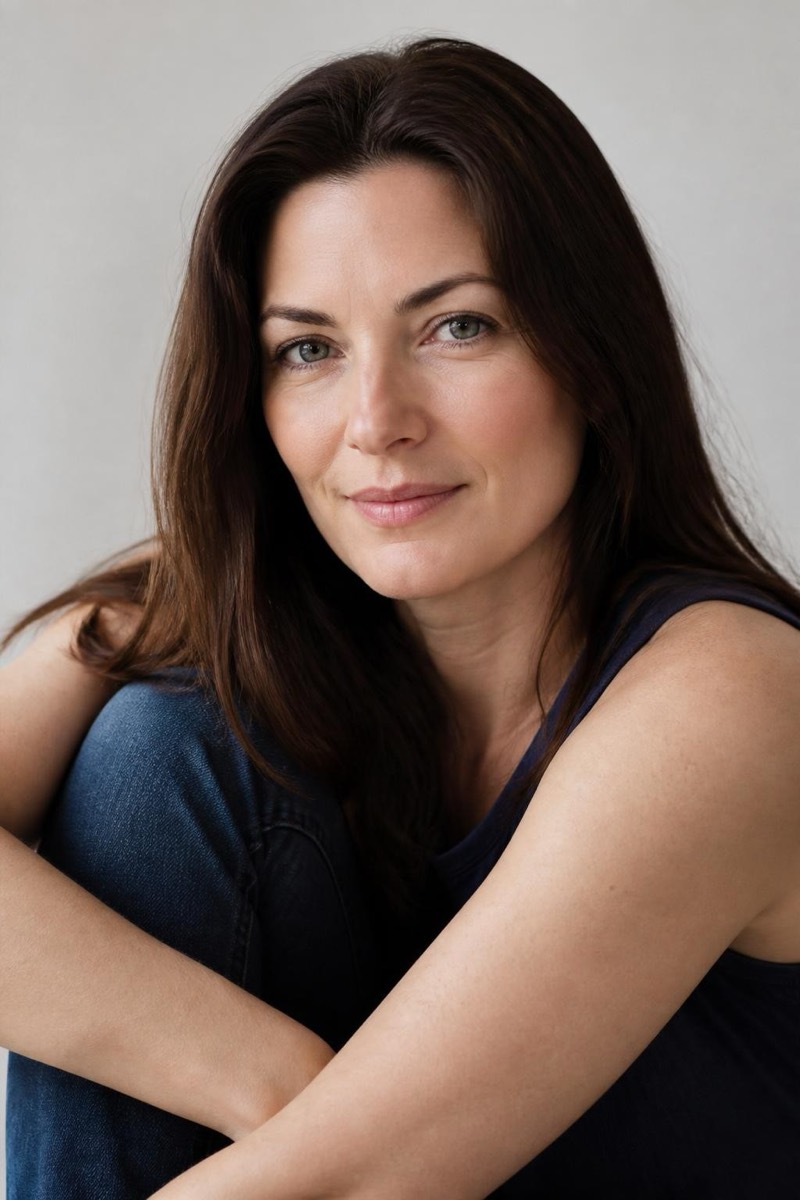
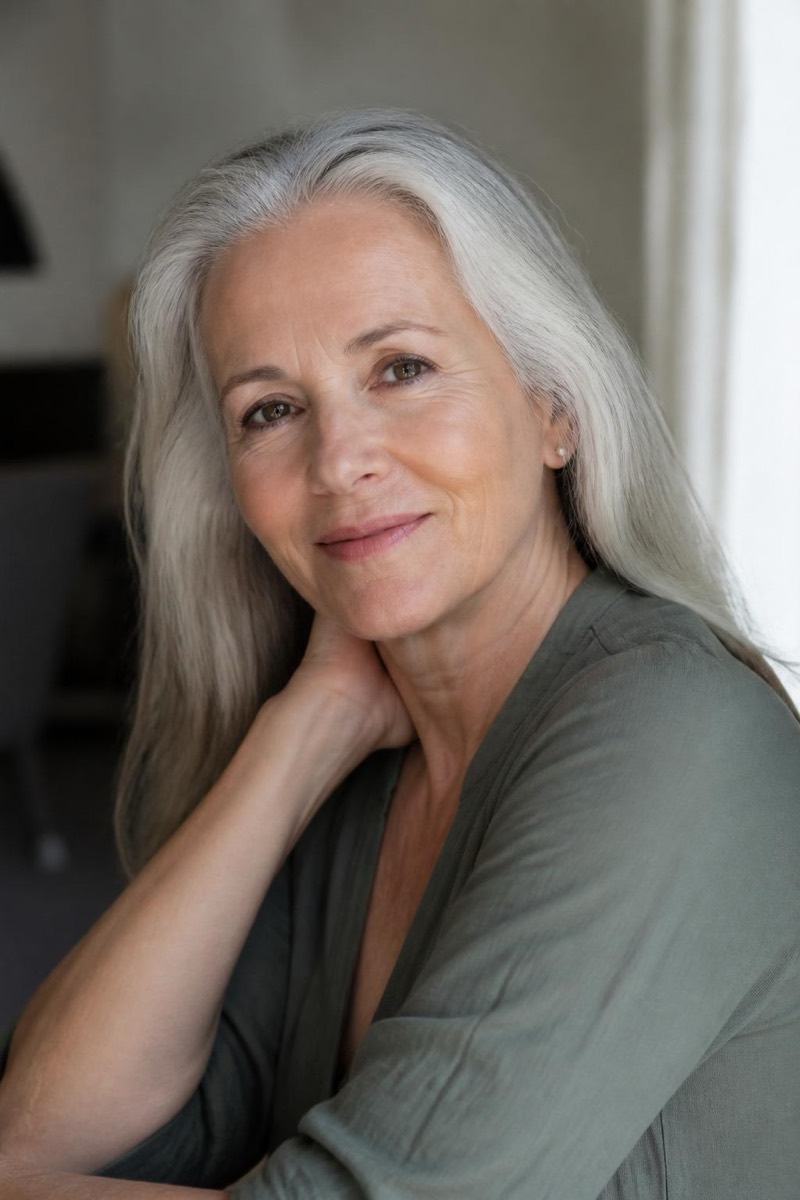
Age
Old Age — AI Age Transformation filter
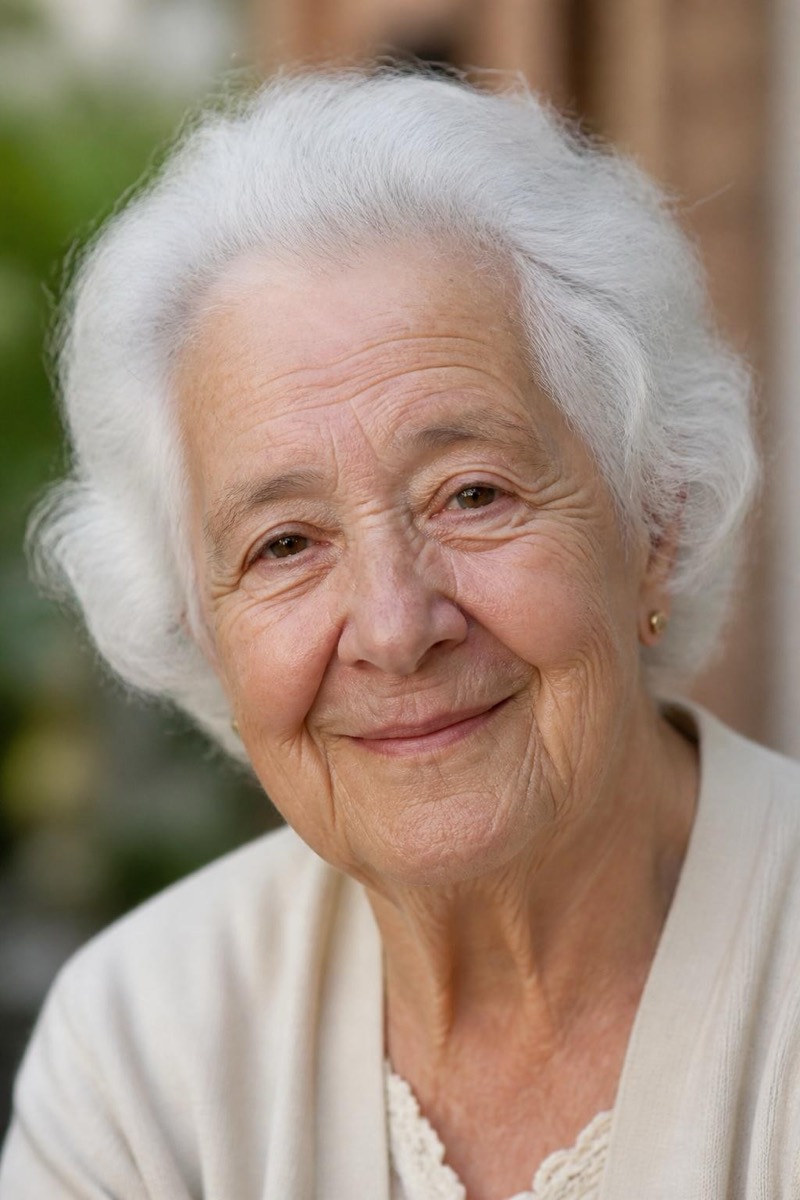
Yourself in old age.
The full journey: yourself in old age, rendered with enough care that it feels like meeting a relative rather than wearing a mask. The filter ages skin, hair, and the subtle geometry of the face while protecting what identity lives in — the eyes, the smile's shape, the expression you make in every photo since childhood. It's the reflective end of the age category: people share the +20 filter as a joke and keep this one to themselves.
How to use it
- 1.
Get Editable
Download Editable (free) from the App Store and open the Explore tab.
- 2.
Pick the Old Age filter
Find Old Age under Age and tap Try.
- 3.
Choose a photo
Pick a photo from your library — the edit runs automatically and is ready in seconds.
Tip: Use a relaxed, natural expression. Big grins age into caricature; a soft smile ages into a person.