Age
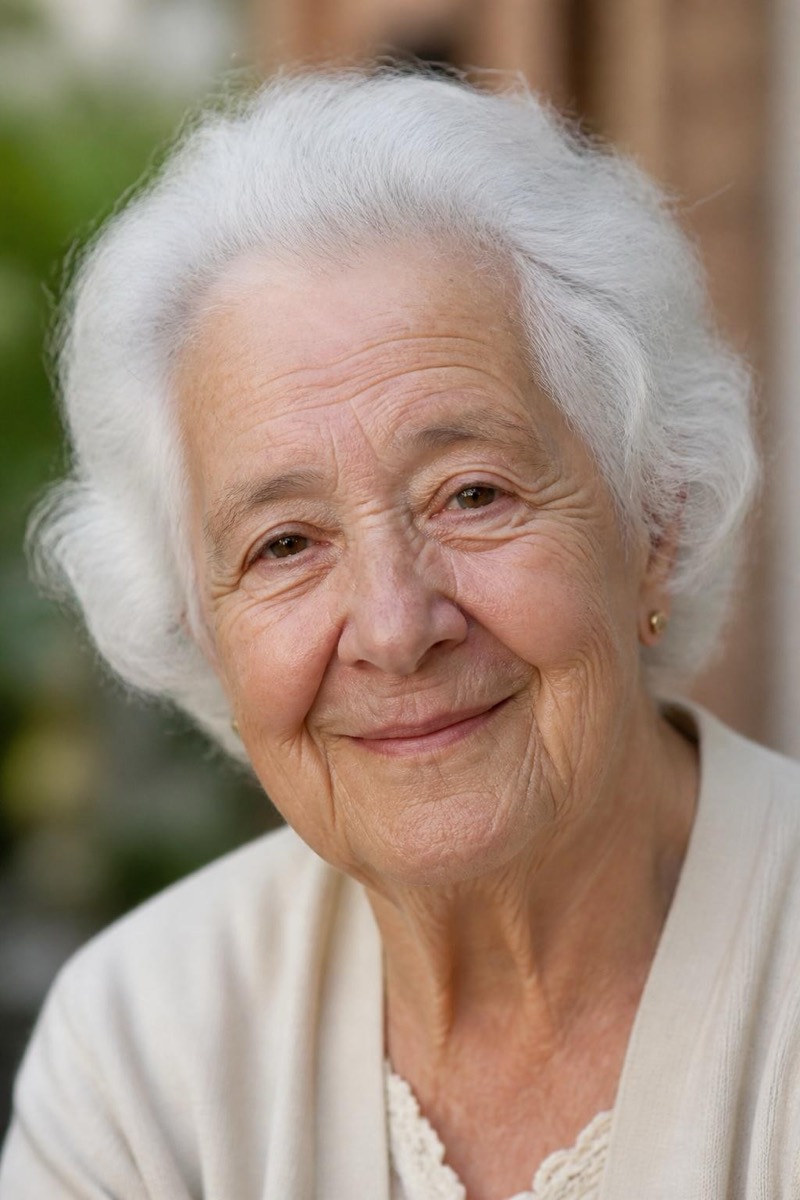
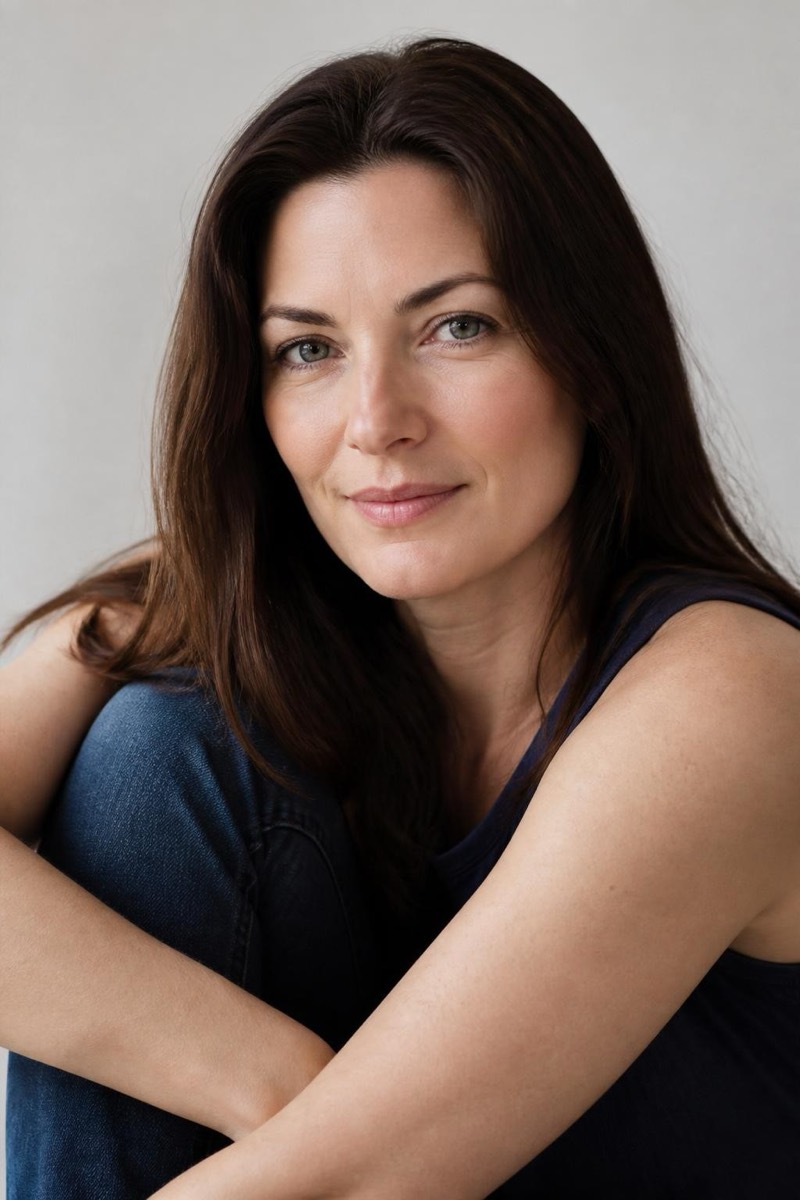
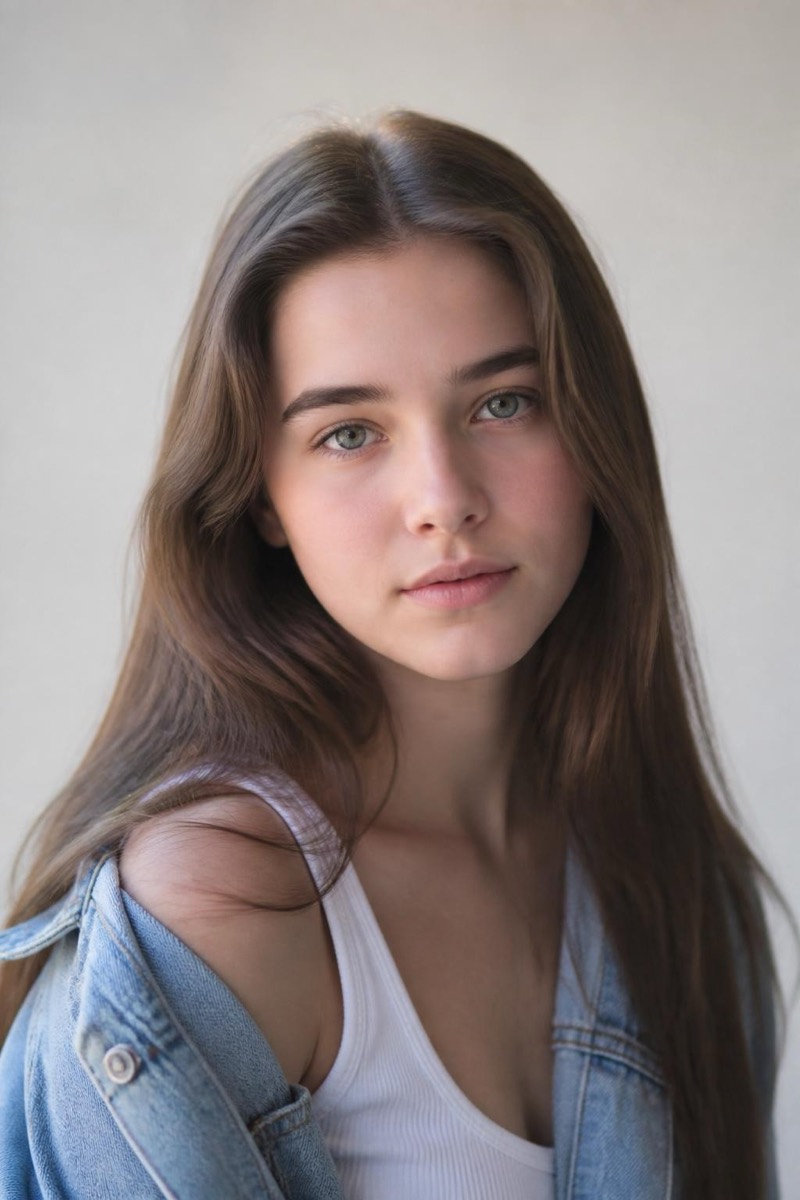
Baby Face — AI Age Transformation filter
Soft youthful baby-face.
The baby-face treatment: features softened, cheeks restored, skin returned to the factory settings — a youthful rounding rather than a full de-age. It's the age set's flattering middle option: not 'you as a child', just 'you, aggressively well-rested and a decade fresher'. Popular for the comparison meme, but quietly used because the results make excellent, believable profile pictures.
How to use it
- 1.
Get Editable
Download Editable (free) from the App Store and open the Explore tab.
- 2.
Pick the Baby Face filter
Find Baby Face under Age and tap Try.
- 3.
Choose a photo
Pick a photo from your library — the edit runs automatically and is ready in seconds.
Tip: Also works as an accidental skincare ad — pair with the glow filters for maximum freshness.