Reframe
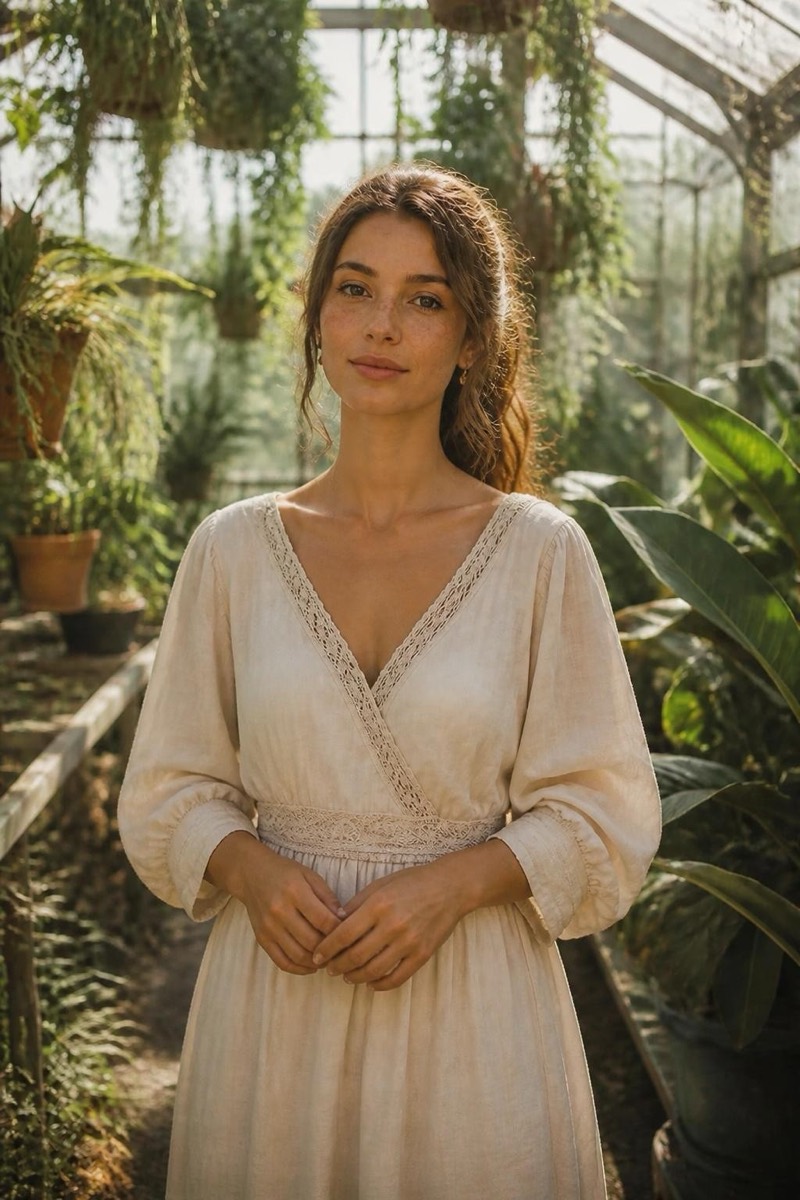
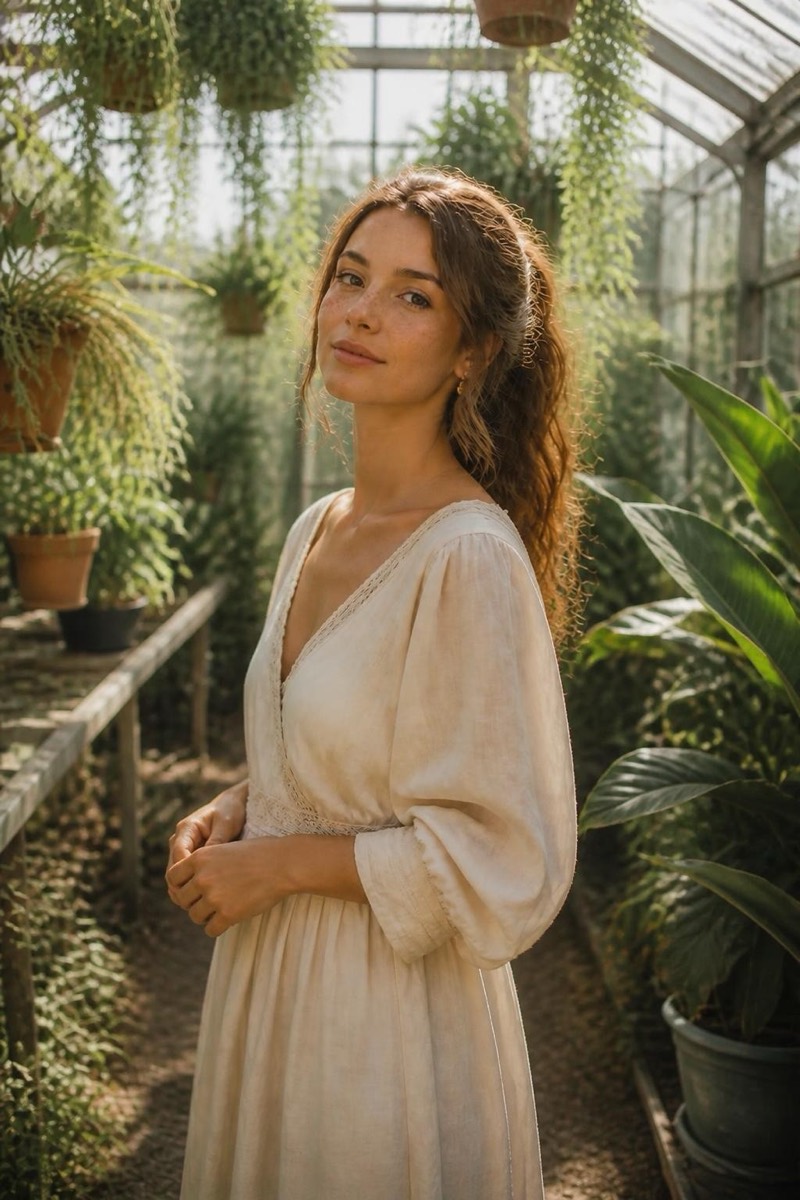
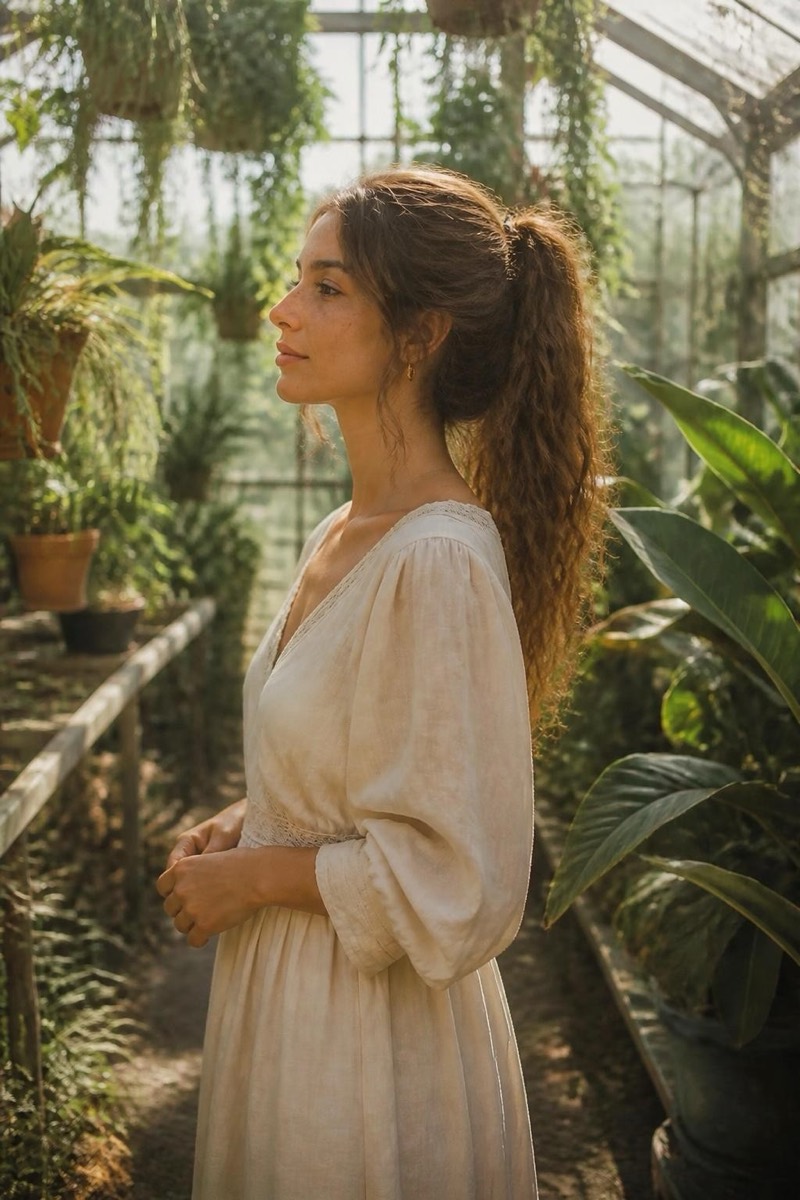
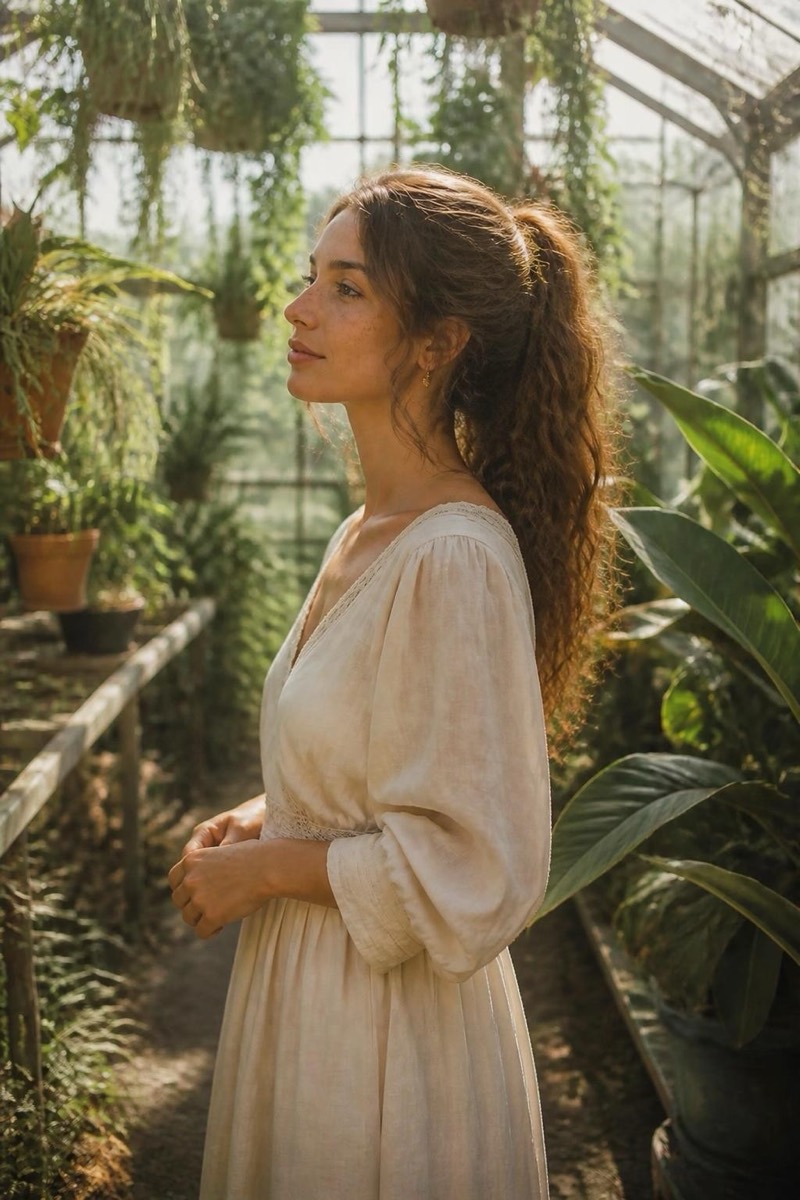
From Above — AI Reframe filter
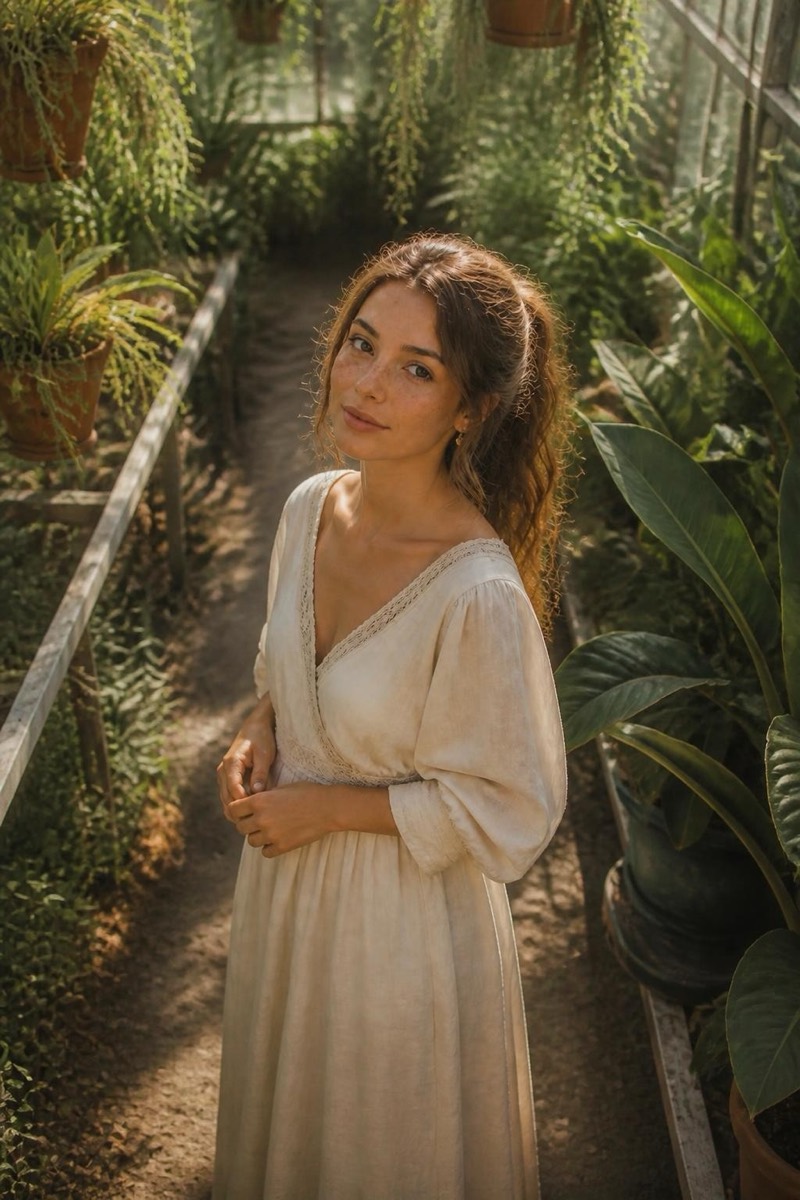
High bird's-eye angle.
The bird's-eye view: camera lifted high above, looking down — you foreshortened against the ground's geometry. This filter re-shoots your photo from that elevated position, the drone-adjacent angle that turns floors, streets and grass into graphic backdrops. High angles read as playful or vulnerable depending on the pose; either way they're compositionally rare in normal photos, which makes them stop scrolls.
How to use it
- 1.
Get Editable
Download Editable (free) from the App Store and open the Explore tab.
- 2.
Pick the From Above filter
Find From Above under Reframe and tap Try.
- 3.
Choose a photo
Pick a photo from your library — the edit runs automatically and is ready in seconds.
Tip: Looking up toward the new camera position in spirit — face visible — keeps the portrait connection.
More Reframe filters