Pet Portrait
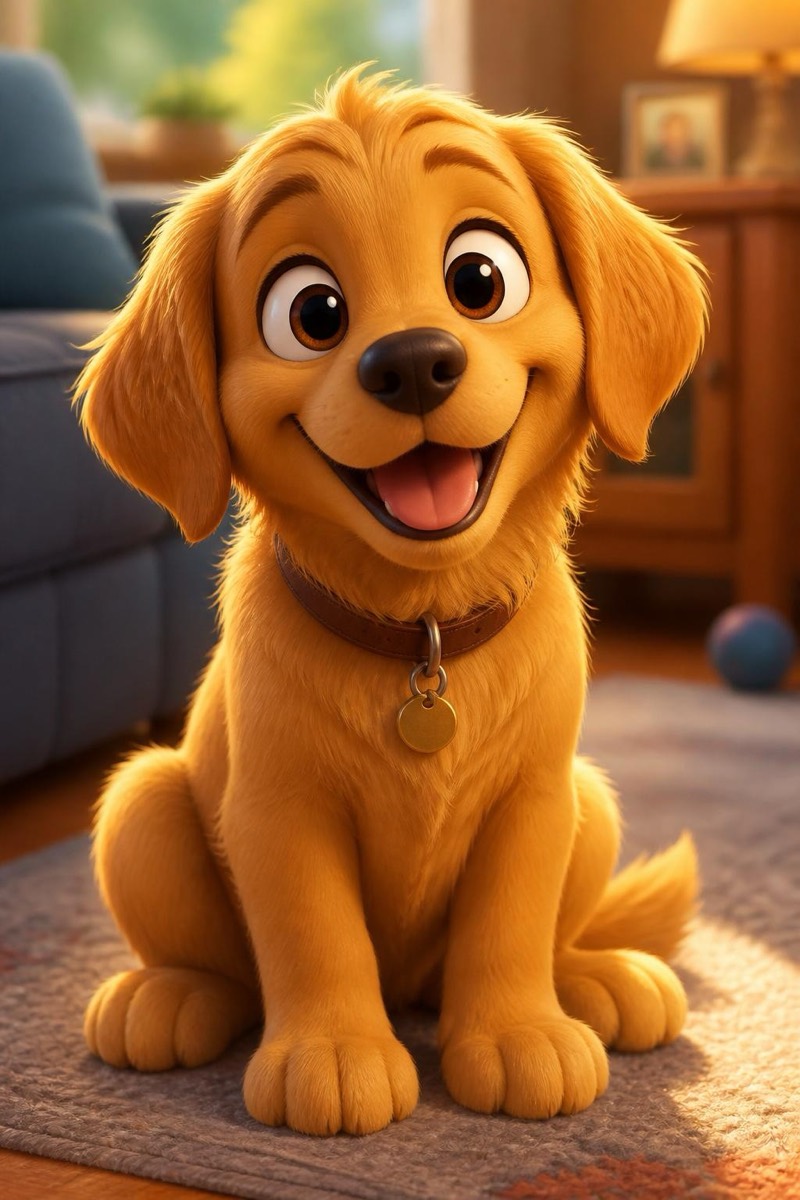
3D Cartoon — AI Pet Portrait filter
Cute Pixar-style 3D.
Your pet as the star of an animated film: big glossy eyes, expressive brows, that carefully-lit 3D softness the big studios spend render farms on. The filter keeps the markings, colors and expression that make your animal yours, then rebuilds them as a character who could plausibly headline a movie about a very good dog. It's the filter kids ask for by name, the sticker-pack generator, and the profile picture that gets the most replies.
How to use it
- 1.
Get Editable
Download Editable (free) from the App Store and open the Explore tab.
- 2.
Pick the 3D Cartoon filter
Find 3D Cartoon under Pet Portrait and tap Try.
- 3.
Choose a photo
Pick a photo from your library — the edit runs automatically and is ready in seconds.
Tip: An expressive face shot — head tilt, ears up — gives the character its personality. Action shots become action characters.
More Pet Portrait filters