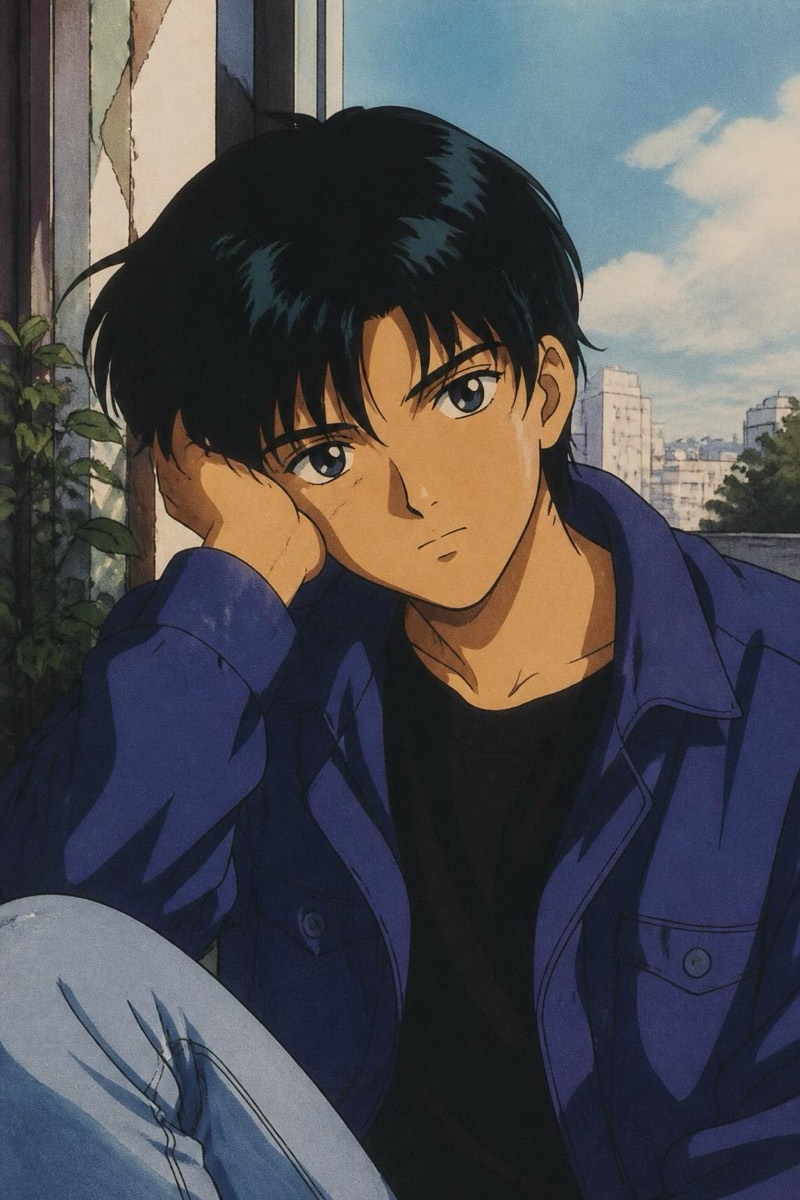
Anime
Studio Style — AI Anime filter
Whimsical hand-painted anime.
Whimsical, hand-painted anime in the tradition of the great theatrical films: soft watercolor skies, warm painted light, characters drawn with care rather than edge. This filter reimagines your photo as a frame from that world — gentle line work, painterly backgrounds, the sense that a wind is about to pick up. It's the anime style for people who want beautiful rather than cool, and it produces the kind of image that becomes a phone wallpaper for months.
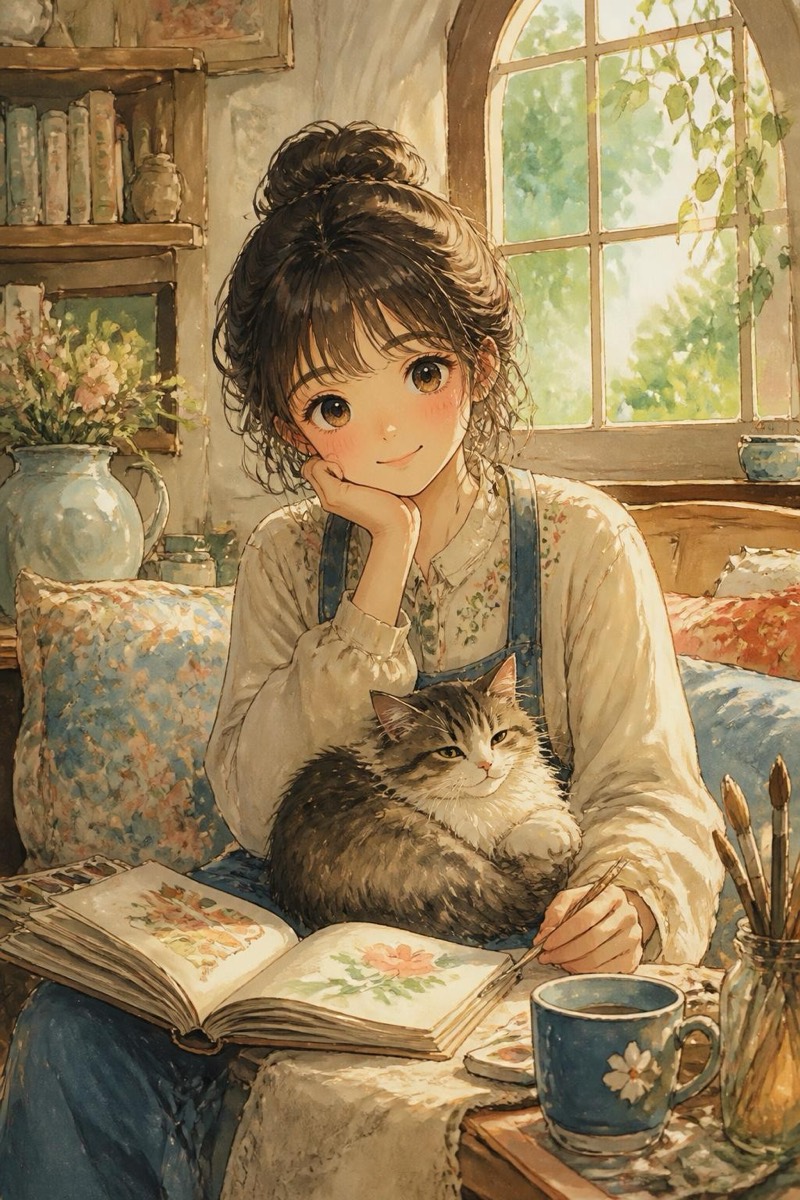
How to use it
- 1.
Get Editable
Download Editable (free) from the App Store and open the Explore tab.
- 2.
Pick the Studio Style filter
Find Studio Style under Anime and tap Try.
- 3.
Choose a photo
Pick a photo from your library — the edit runs automatically and is ready in seconds.
Tip: Outdoor photos with sky or greenery give the painted-background treatment the most to work with.
More Anime filters