
Photos editable
with words.
An AI photo studio for iPhone.

Made for the photos you already take.
Selfies on a sofa. The picture from the dressing-room mirror. The headshot the office asked for. Editable meets the photo where it is.
- 01
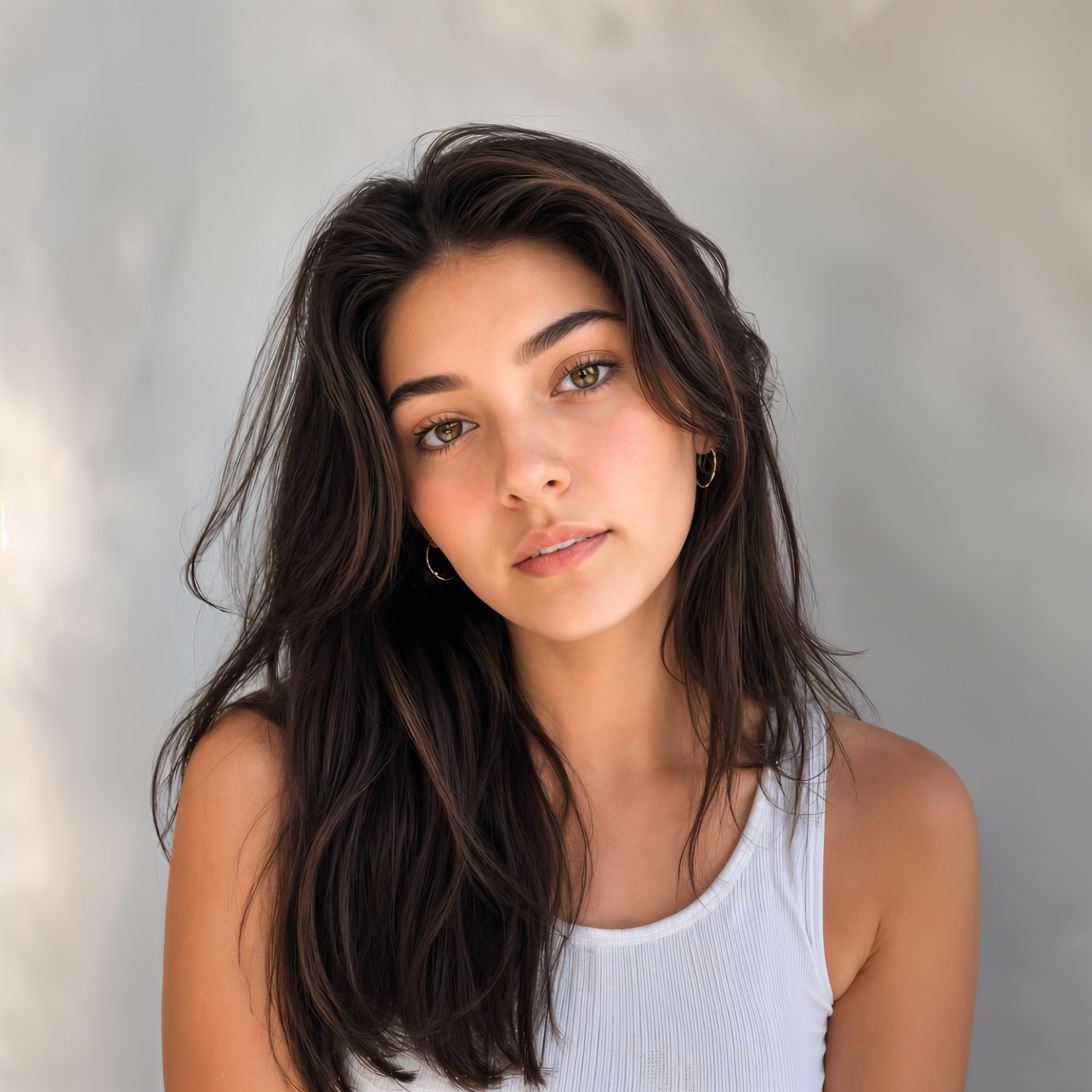
Selfies
Skin retouch without losing freckles. Eyes that still look like yours.
- 02

Headshots
Magazine-grade portraiture from the same photo you took for the form.
- 03

Outfits
Try a wardrobe in seconds. Keep the pose, swap the look.
- 04
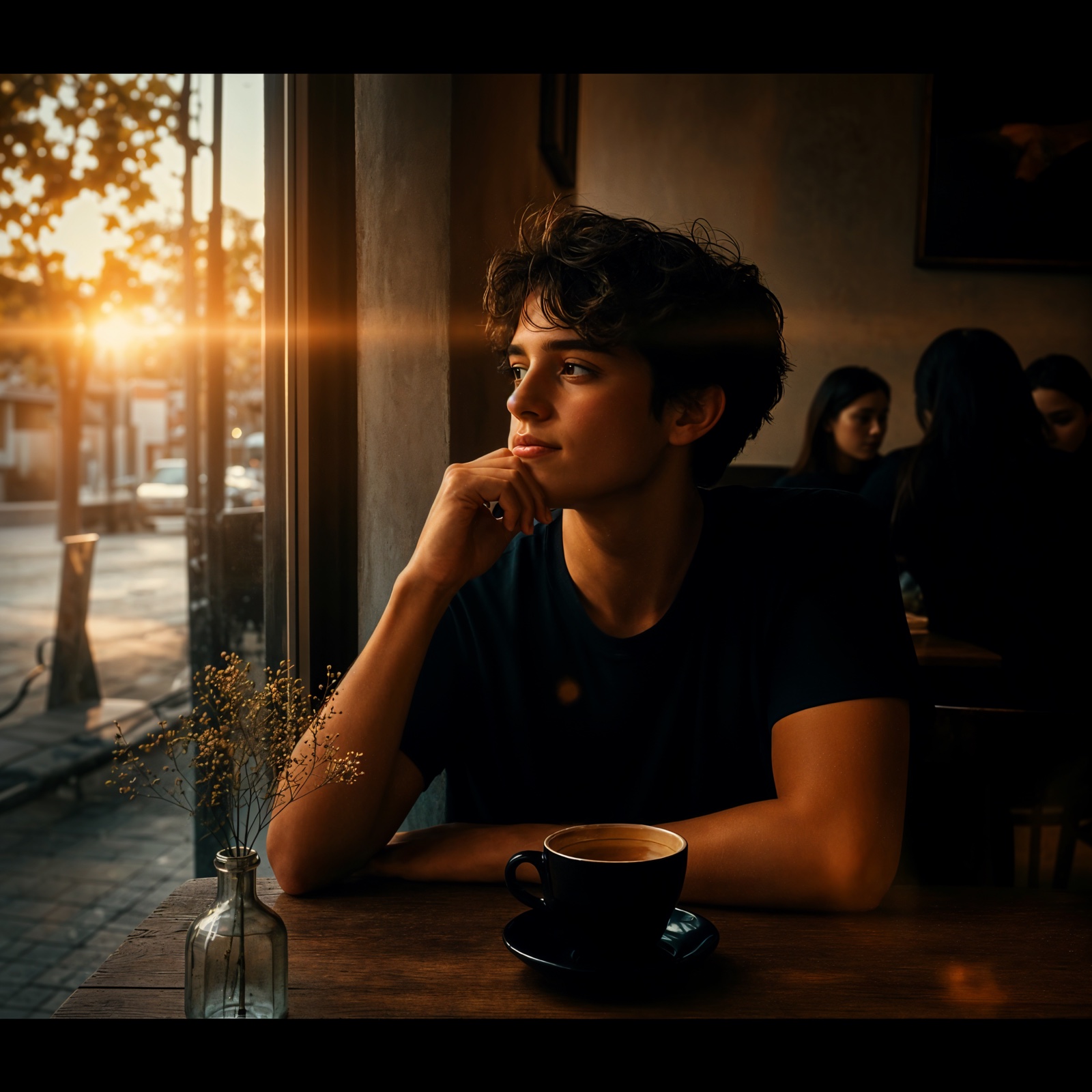
Backdrops
Anywhere becomes a studio — paper sweep, golden hour, a different city.
- 05
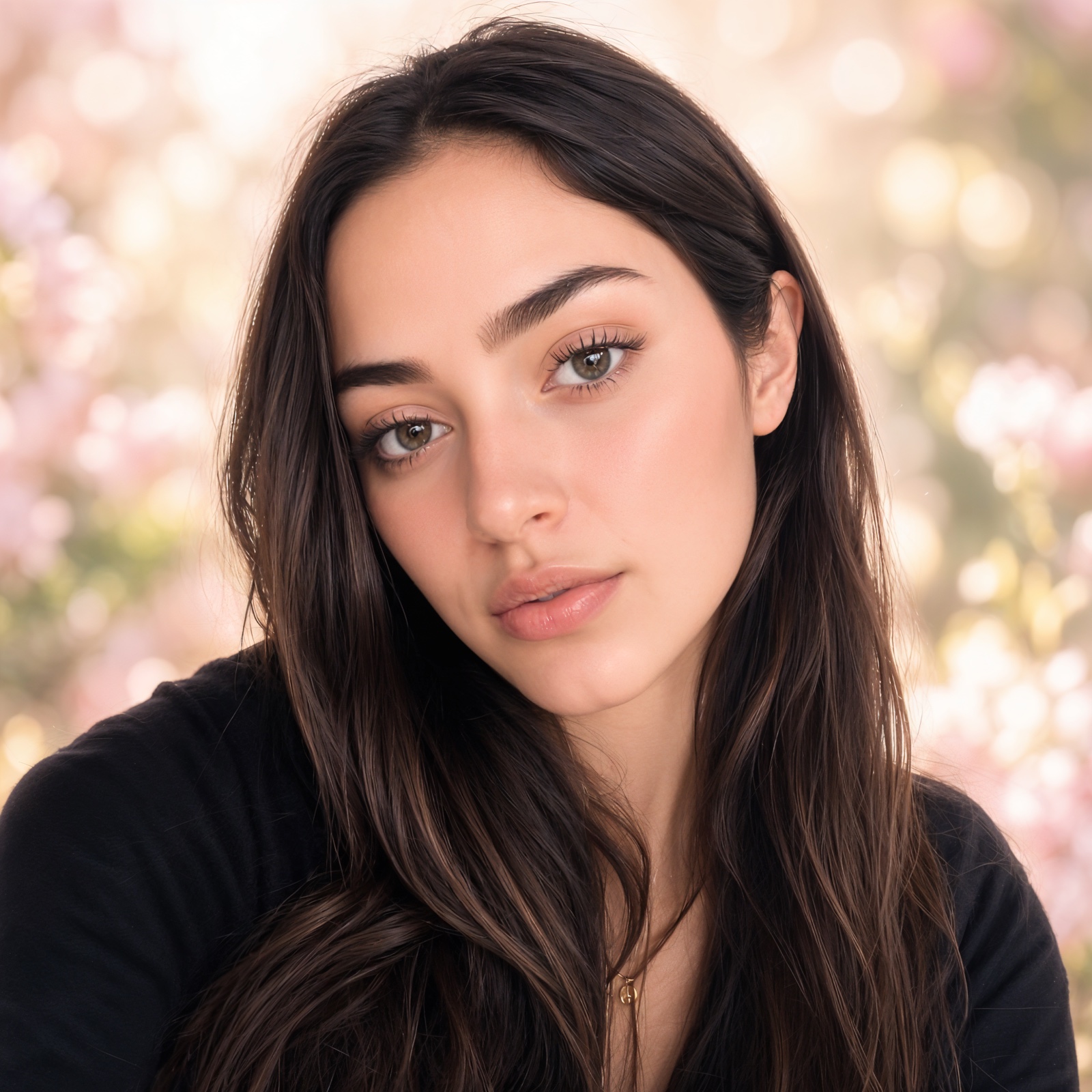
Looks
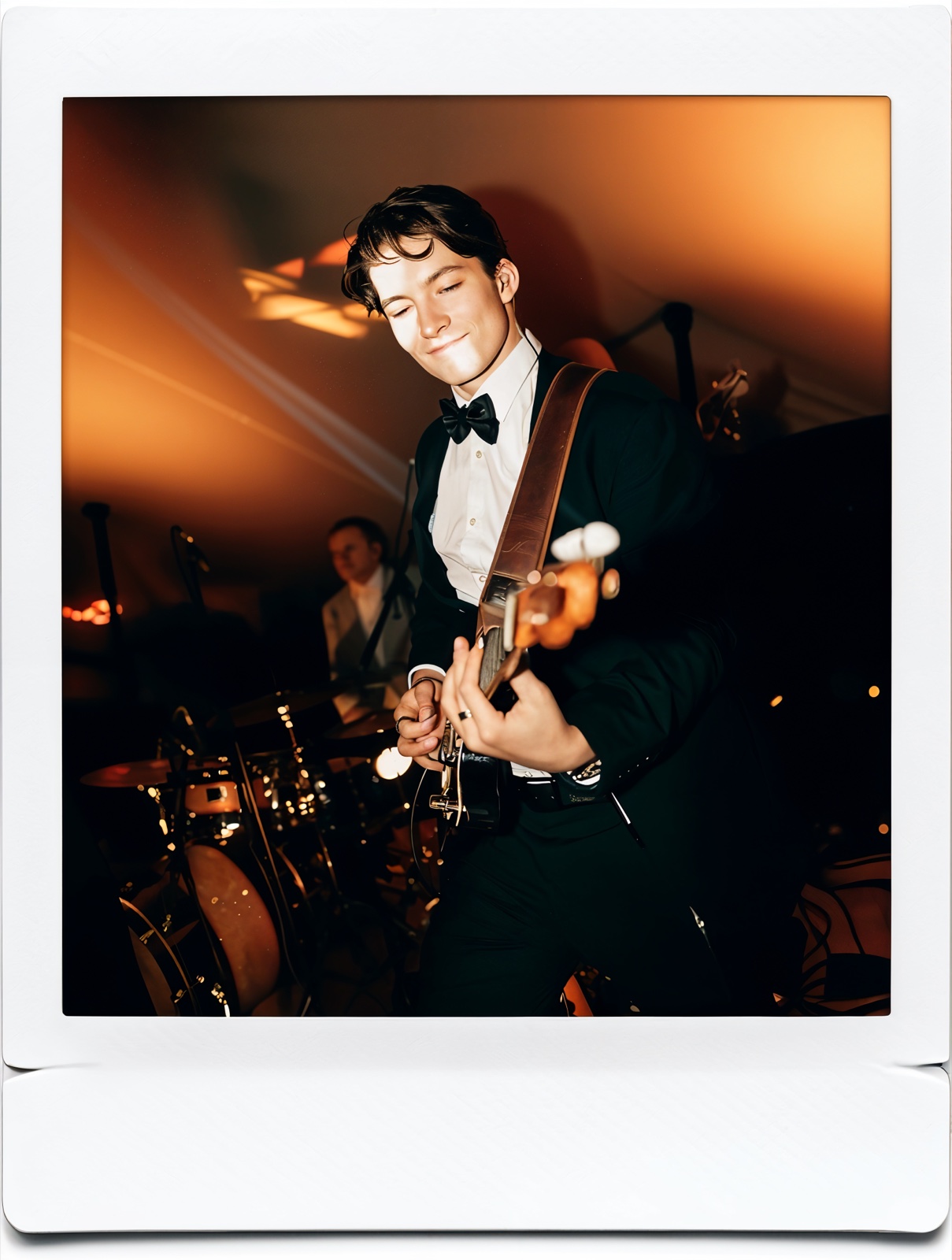
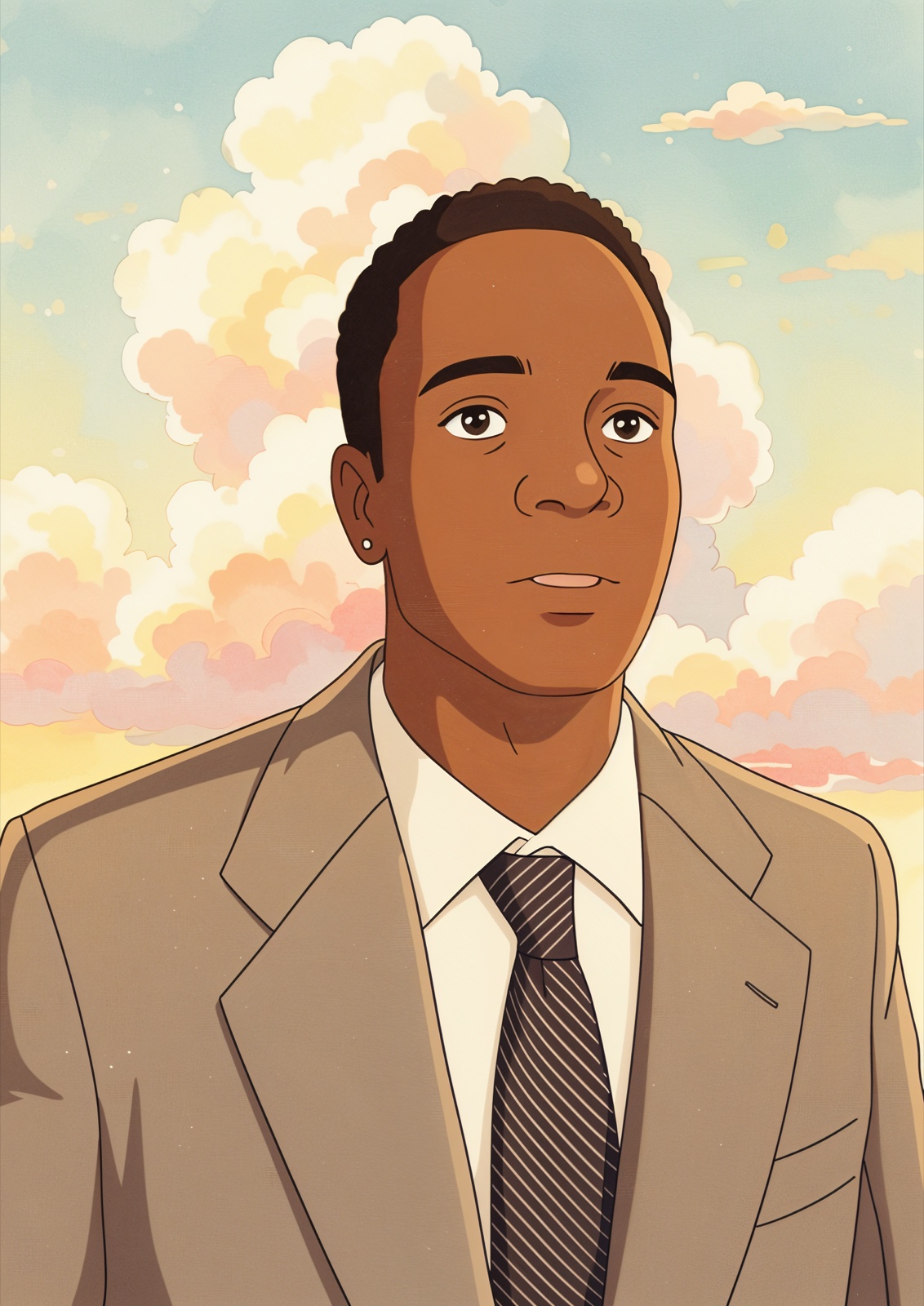
Cinematic, instant retro, anime, vacation film. Pick a mood, paste a photo.
- 06

Pets & still life
Same machinery, different subject. Café crockery, a sneaker, the dog.
Fifteen looks. One workflow.
Curated transformations ship with the app. Hover any card to read its prompt; tap to install Editable.
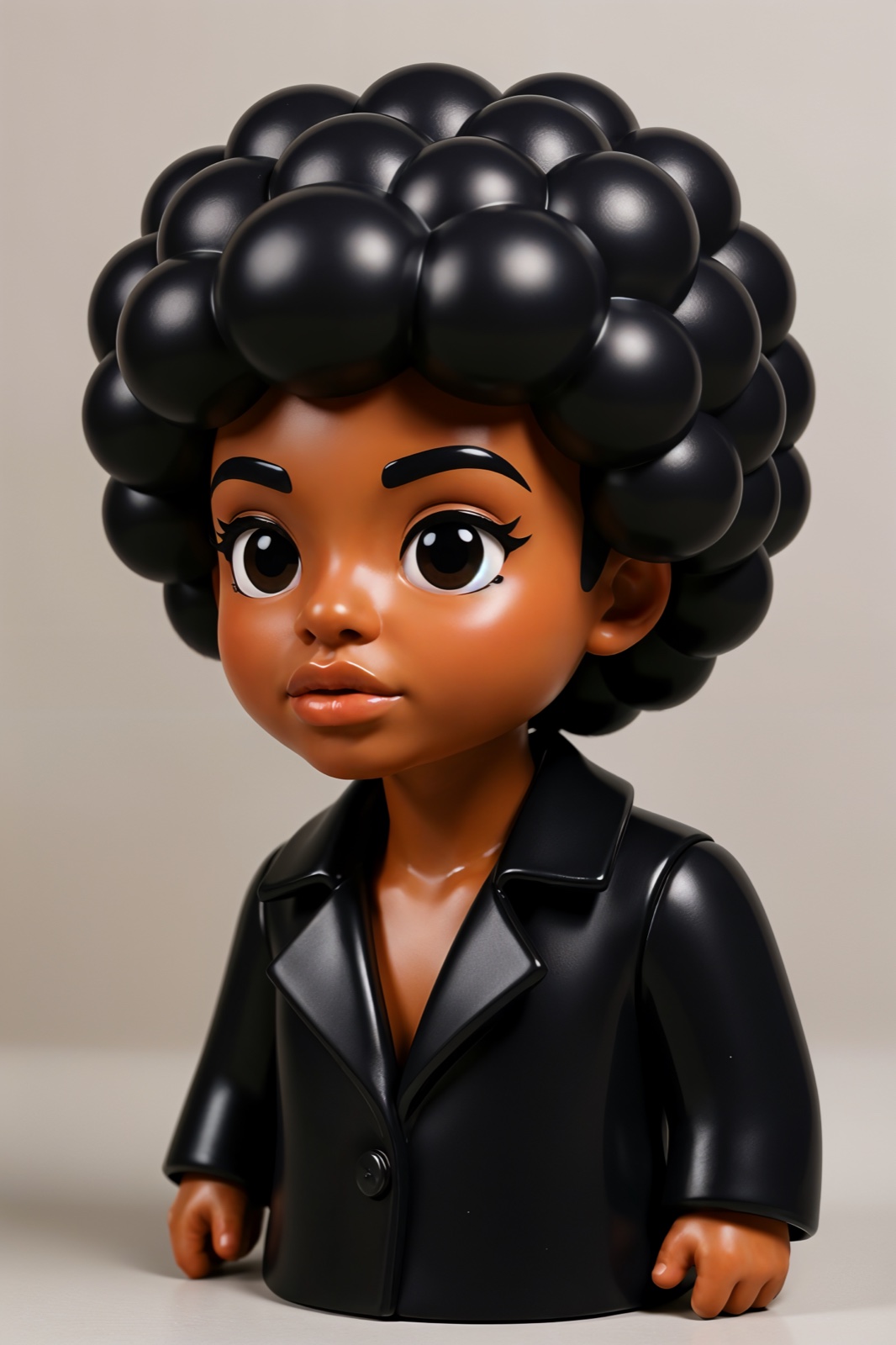




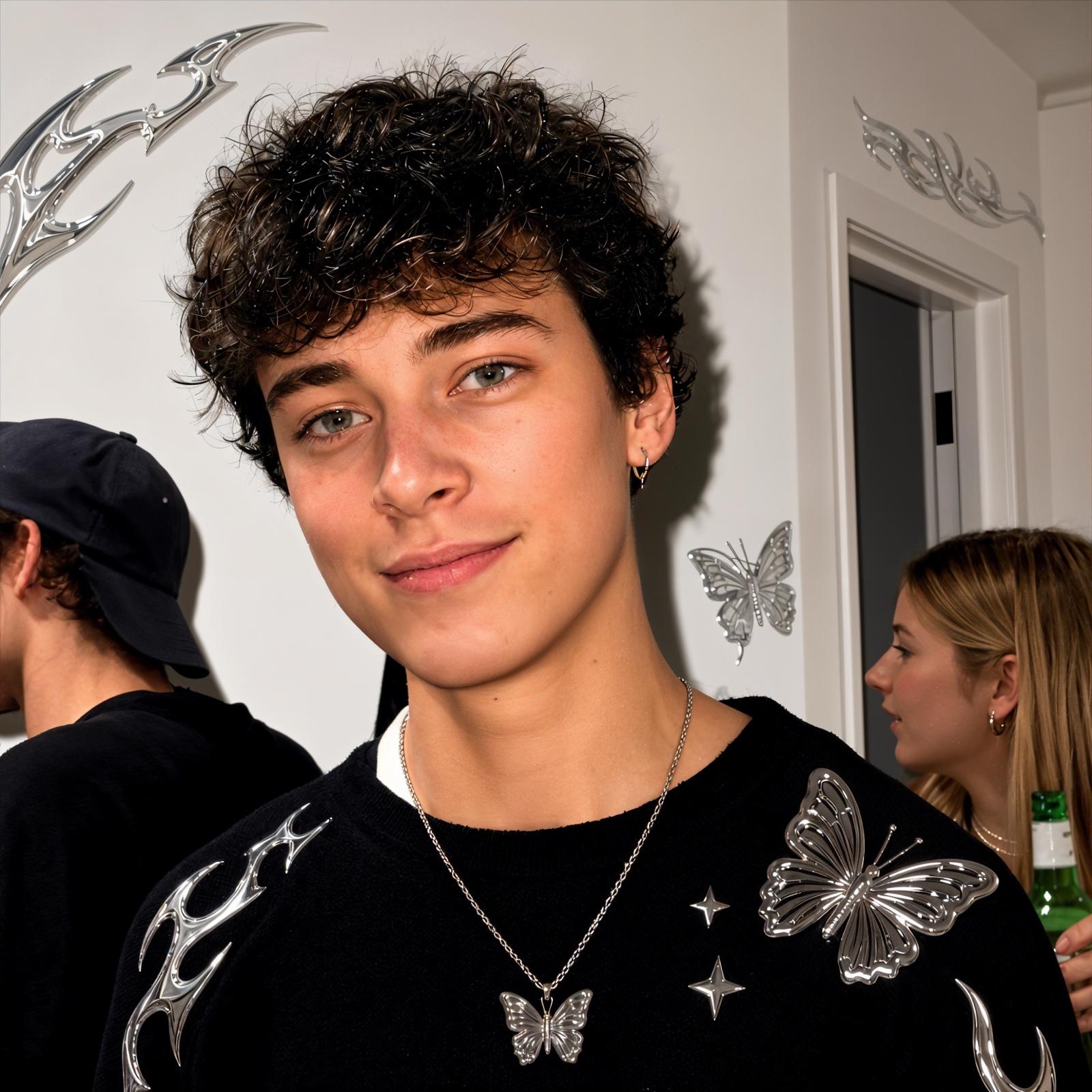

The same selfie, just better.
A natural retouch — skin, eyes, light. Drag the seam.
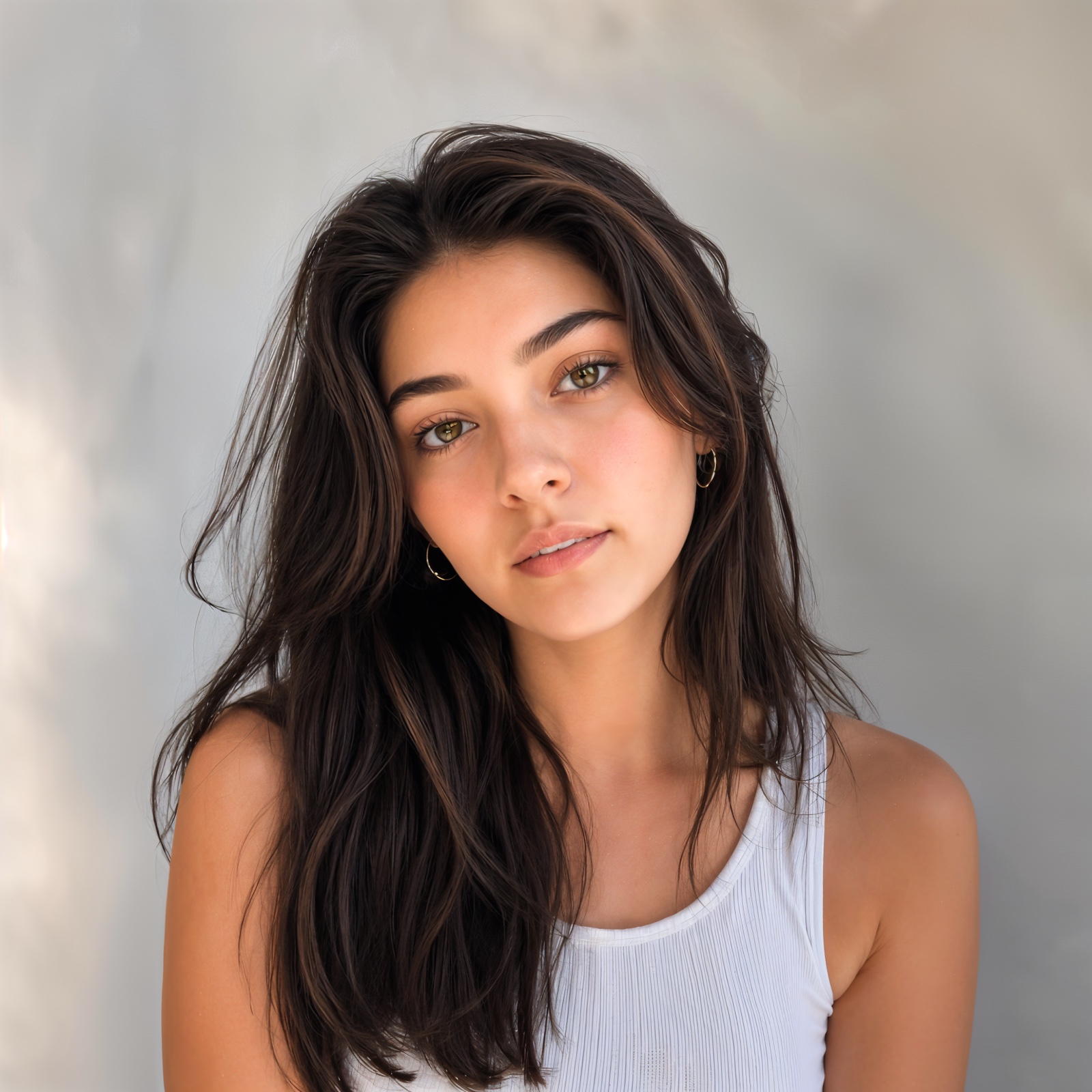
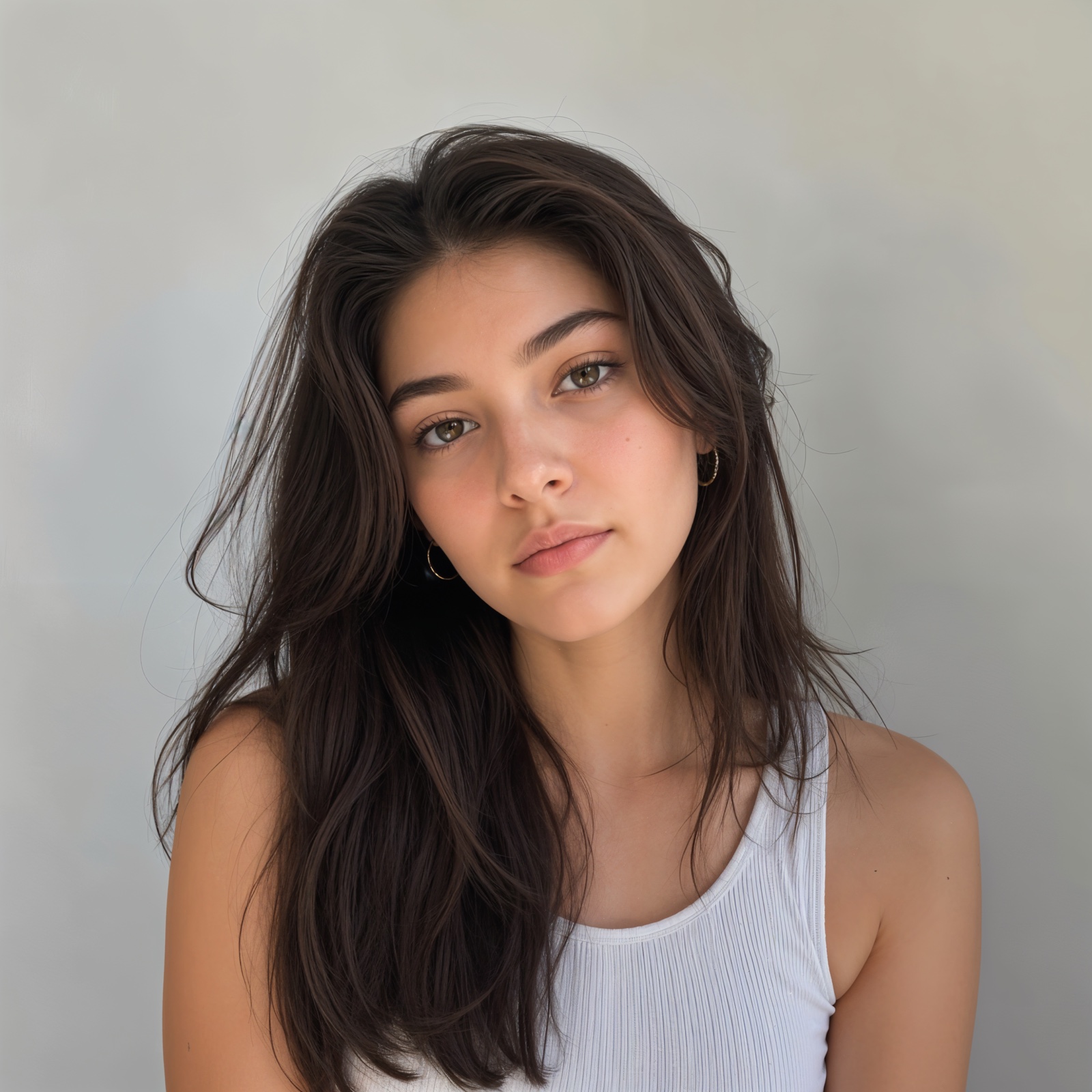
What "Selfie Glow Up" actually does.
Each of the fifteen looks is a sequence of named steps — not a single filter. Five steps, in order, every time.
Source 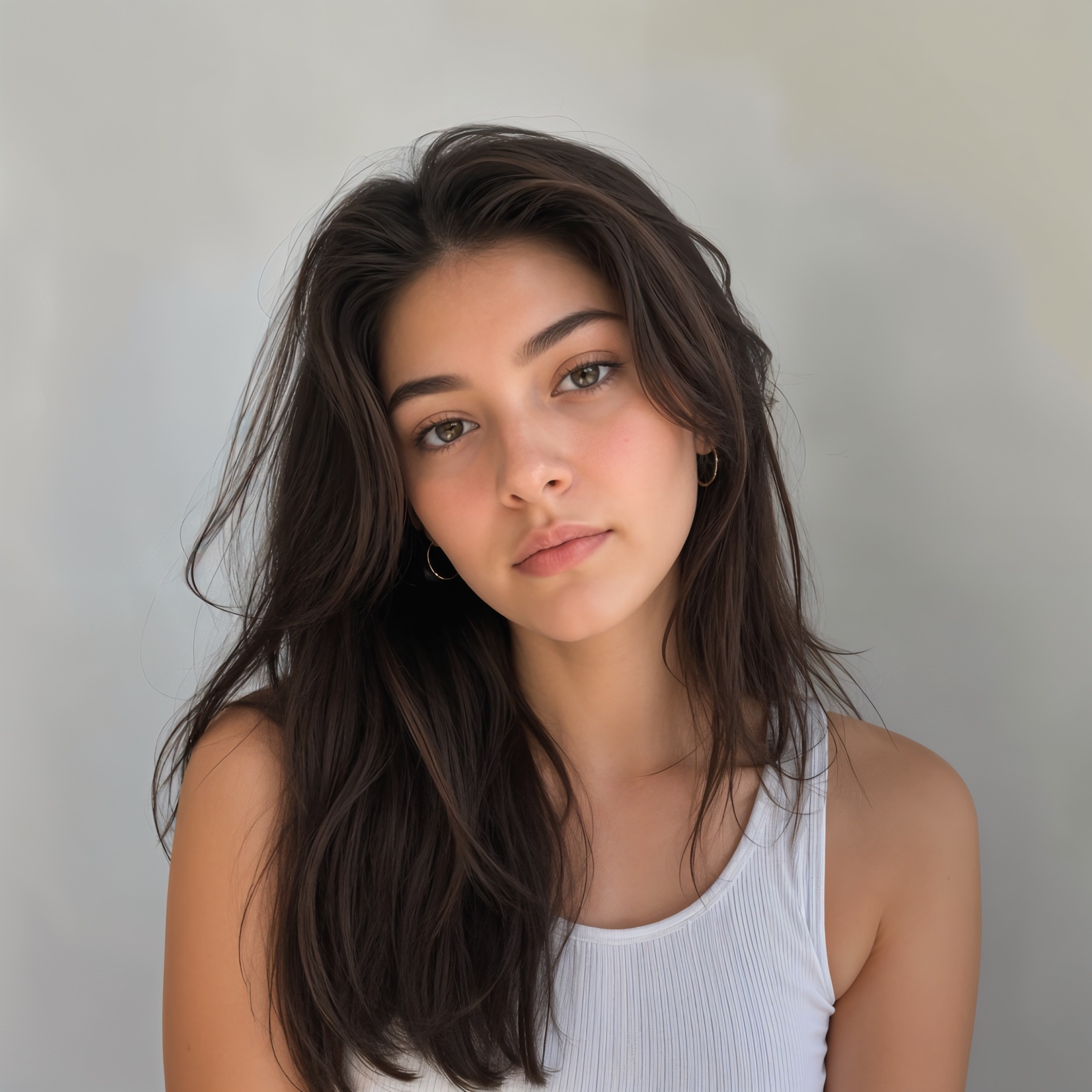 Mid After
 Selfie Glow Up · 5 steps · ≈ 14s
- 01
Skin retouch
Reduces blotchy color and minor blemishes. Pores, freckles, and character marks stay intact.
- 02
Eye refinement
Adds natural catchlights, brightens the iris, lightens under-eye circles by ~25%.
- 03
Tonal dimension
Subtle dodge-and-burn — cheekbones, brow bone, jawline. Adds sculpting without changing structure.
- 04
Color harmony
Neutralizes color casts in skin tones, brings everything into a cohesive palette.
- 05
Soft daylight
Lifts overall exposure 10%, softens shadows under eyes / nose / chin. Original light direction preserved.
Three moves. Endless edits.
Every preset is built from the same three primitives — adding, removing, and applying a chain. The looks ship for speed; the primitives are yours to mix.
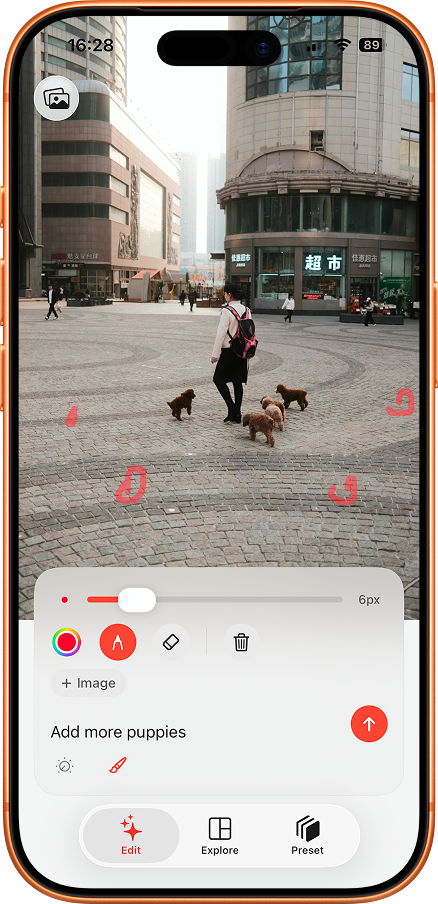
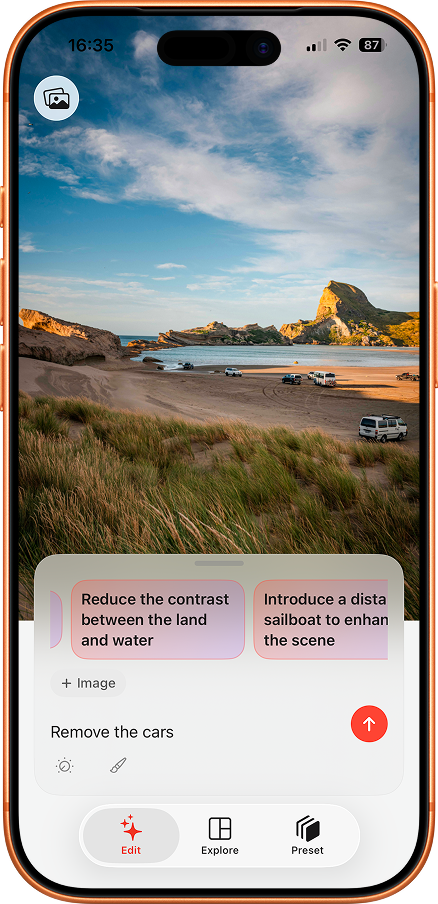
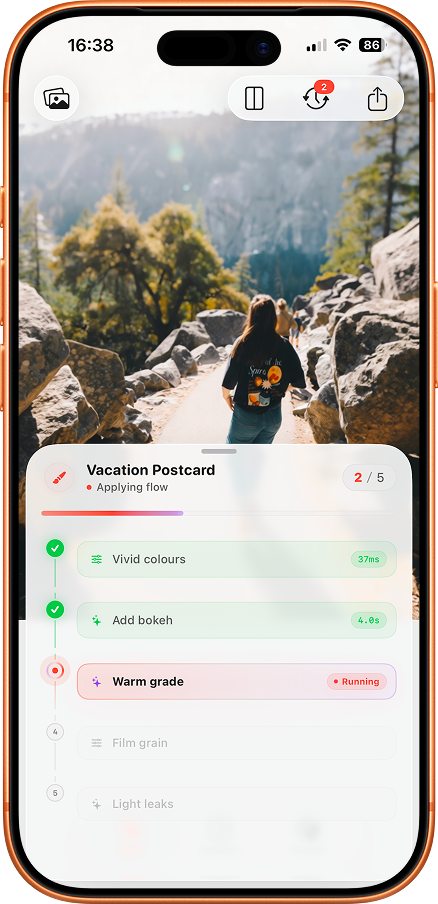
Or use the dials.
Plain English gets you most of the way. The manual sliders close the gap when you want to land it exactly.
Or by example.
Drop up to three reference photos. Pose, style, framing — guided by what you actually have, not just what you can describe.
How to talk to Editable.
Editable does its best work when you write like a photographer briefing a retoucher — not like a wish list. A handful of small specifics beats one big abstract word.
- 01
Try not
"make me look better"
Try this
"soft daylight, gentle skin retouch, magazine retouch, keep my freckles and the crease in my smile"
— Editable doesn't know what *better* means. Spell out what to keep and what to clean.
- 02
Try not
"anime style"
Try this
"hand-drawn watercolor anime, gentle morning sun, clean line art, warm muted palette"
— Naming the school of animation, the lighting, and the palette gives the model three handles to hold on to.
- 03
Try not
"professional headshot"
Try this
"studio headshot, neutral grey backdrop, soft key light, charcoal jacket, magazine retouch"
— Backdrop, light direction, wardrobe, retouch level — four small instructions that change everything.
- 04
Try not
"instant photo"
Try this
"1990s instant snapshot, slight overexposure, warm cast, soft vignette, slight motion blur on the hand"
— Era. Exposure. Cast. Vignette. Blur. Each word is a slider.
- 05
Try not
"outfit change"
Try this
"swap outfit to ivory linen suit, keep the pose, keep the hair, golden hour lighting"
— Tell the model what to *keep* — the pose, the face, the framing — or it will quietly redo all of it.
Save a strong prompt as a recipe · share the six-character code
Quick answers.
Anything still missing? Email support@rayinformatics.com and we’ll add it.
-
Do I need an account to start?
No. Open the app, type a prompt, and Editable gets to work. An account only matters if you want to subscribe.
-
What does “free to start” mean?
Editable ships with free credits so you can try the looks before paying. Subscriptions add more credits when you run out.
-
Where are my photos processed?
Generation runs through cloud AI providers. Photos are sent securely from your iPhone, processed, and the result is returned to your camera roll.
-
How does sharing a recipe work?
Save a multi-step combo as a recipe and Editable gives you a six-character code. Drop it in Messages — your friend's iPhone opens Editable straight to the import sheet. No accounts on either side.
-
What kind of iPhone do I need?
Any iPhone running iOS 17 or newer. The app is iPhone-first; iPad runs in compatibility mode.